
📋 About
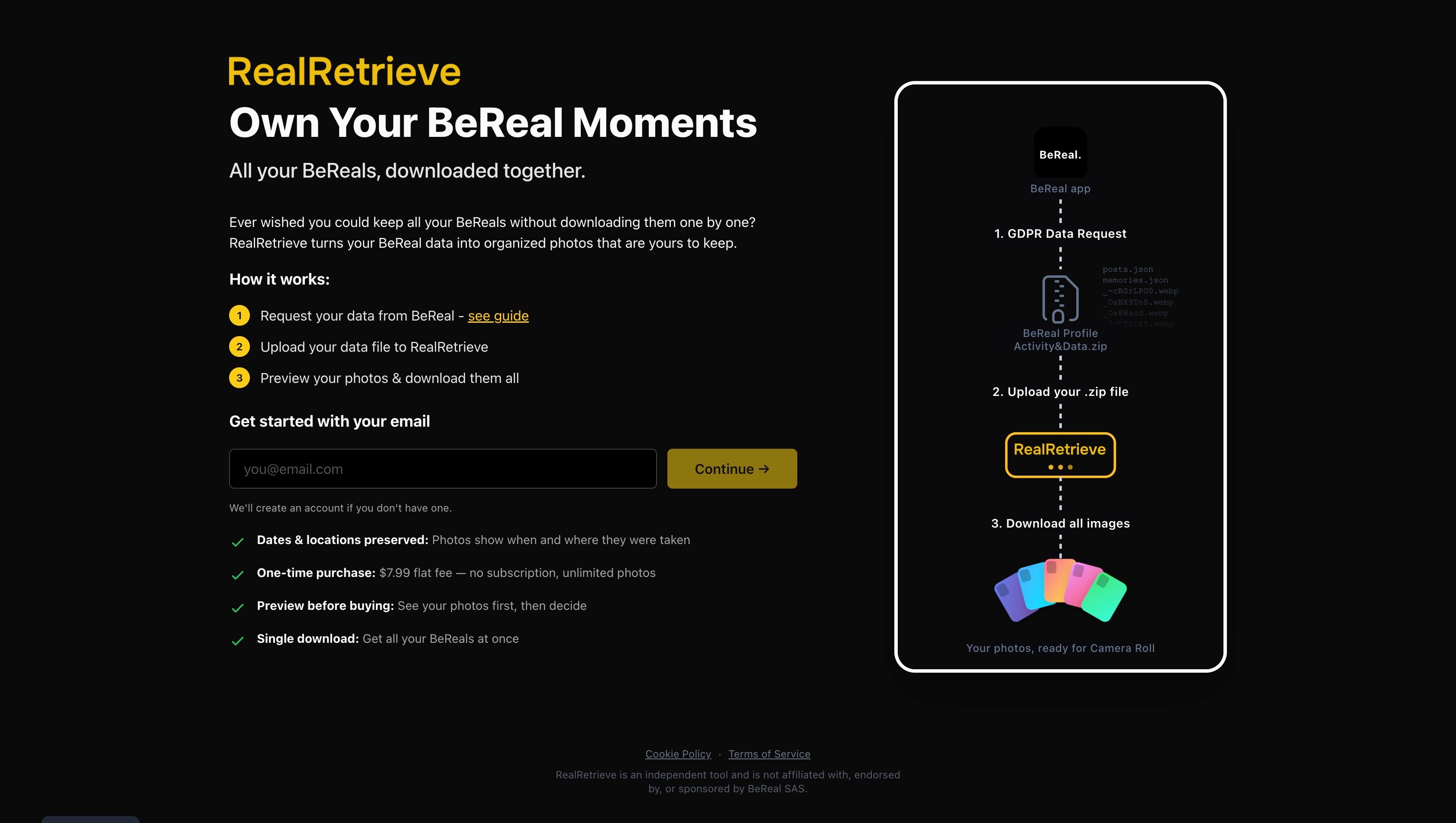
You've spent years capturing authentic, unfiltered moments on BeReal, but when you want to keep those memories, you run into an obstacle. There's no bulk export. No easy backup. If you want your photos, you're stuck downloading them one by one, tapping through years of posts manually. For anyone with hundreds of BeReals, that's hours of tedious work. Those memories belong to you, not locked inside an app.
The solution: RealRetrieve is a simple tool that turns your BeReal memories into organized, downloadable photos, a Load more
The solution: RealRetrieve is a simple tool that turns your BeReal memories into organized, downloadable photos, a Load more

Created by
balintbarcsa
📊 Product Details
- Status approved
- Launch Date Dec 19, 2025
- Upvotes 8
- Featured No
🏆 Badges & Awards
📈 Social Proof
Dec 19, 2025
×
![Gallery Image]()
Login to post a comment
I’m curious what you had in mind, what kind of tags or categories would you imagine adding during the export itself?
One thing I’m thinking through is that many photo library apps (like Google Photos, Apple Photos, Lightroom, etc.) rely on their own internal databases and tagging systems, which don’t always map cleanly to file-level tags. That’s partly why RealRetrieve focuses on reconstructing the core metadata so those apps can do their job properly.
Still, I’d love to hear how you would expect tagging or categorization to work in practice that kind of input is really helpful for shaping future features.
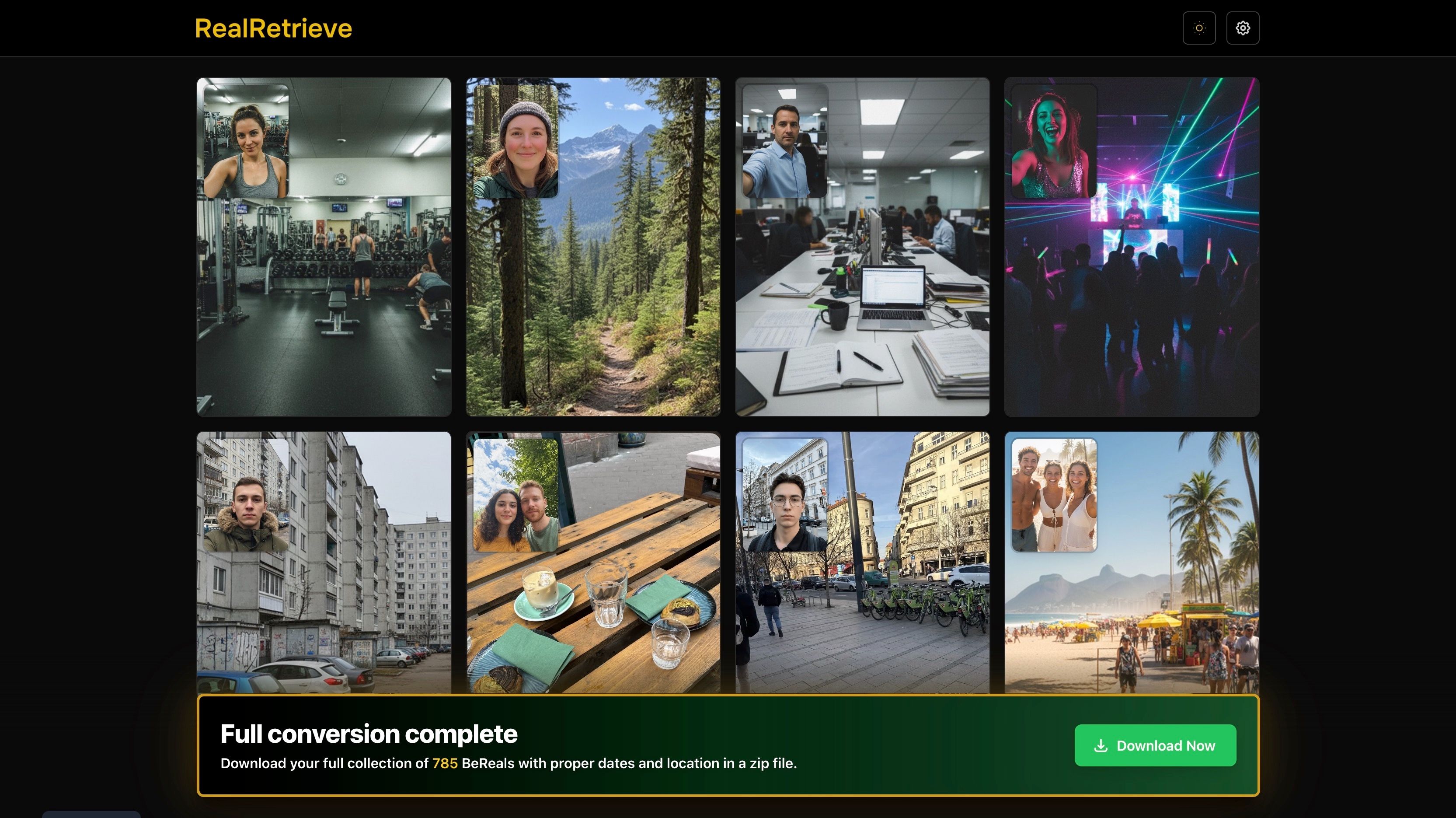
In the GDPR export, the image files and their metadata (like timestamps and locations) are separated. RealRetrieve links those back together and embeds the original capture date/time and location directly into the photo files, where that data exists.
The result is a clean photo set that behaves like normal camera photos when imported into Google Photos, Apple Photos, or any other photo library app (or even in Finder or your file manager), and full freedom for you to organize and categorize them however you want.
If you end up trying it, I’d love to hear your feedback on how intuitive the process feels.
Requesting the data from BeReal can be a bit tedious, but there’s a short step-by-step guide for that part here: https://realretrieve.com/tutorial
Login to write a review
No reviews yet. Be the first to review this product!